About this game
Game Introduction
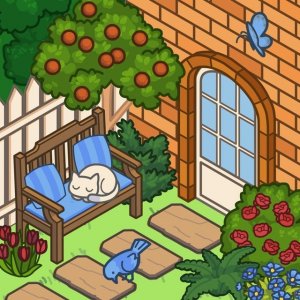
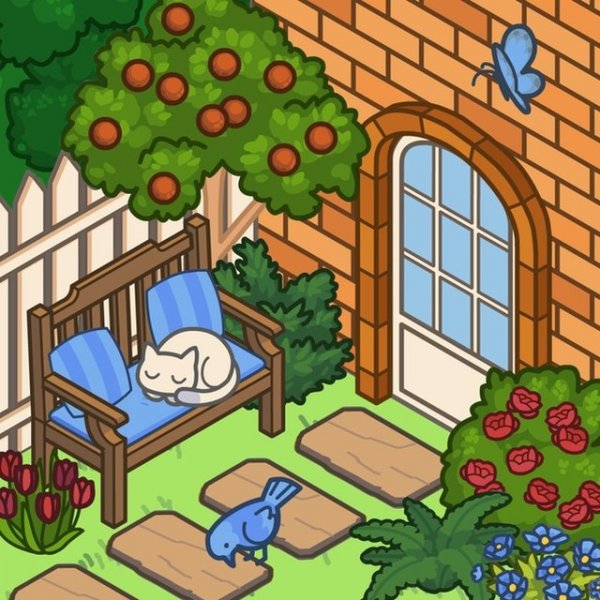
Cozy Garden Design is a creative decoration game where players build and personalize a charming outdoor patio from scratch. Starting with a blank lower yard, you can choose grass or lawn to set the foundation, then add flower beds and colorful flowers to bring life to the garden. The house wall is fully customizable with windows, frames, and wall flowers that you can move and adjust. You can also place adorable animals like cats and birds, each available in different colors. Finally, decide on the bed area by adding tiles, bricks, or leaving it natural. Every choice lets you express your personal style. Released in April 2025 by ARF Games, this browser game works on PCs, phones, and tablets without downloads. It is designed for players of all ages who want a peaceful creative outlet.
How to Play
To play, use your mouse to click and select elements. First, pick the grass or lawn for the lower part of the yard. Then, add flower beds and flowers to create a vibrant garden. Next, customize the house wall by moving windows, changing frames, or adjusting flower positions. After that, choose your favorite animals and their colors. Finally, decide on the bed area by adding tiles or bricks, or leave it as is. Mix and match until you are happy with your design. There are no timers or scores, so you can take your time. The controls are simple and intuitive, making it easy for beginners and children to enjoy.
Game Features
Creative freedom to design your garden exactly as you like. Family-friendly content suitable for all ages. Easy mouse controls that are simple to learn. No time limits or pressure, allowing a relaxed experience. Works on all modern browsers and is compatible with PCs, phones, and tablets. No downloads or installations required, so you can play instantly.
Tips for Success
Take your time to explore all available options and combinations. Start by choosing a base that you like, then build up gradually with flowers and decorations. Don't be afraid to experiment with different wall designs and animal placements. Consider color coordination for a harmonious look. If you're unsure, try a simple layout first and add details later. Most importantly, enjoy the process and let your creativity guide you.